Updating your profile
To update your profile information:
-
Click on your name in the bottom-left corner of the screen.
-
Select “Profile” from the dropdown menu.
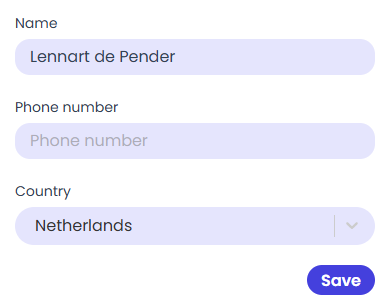
Within the profile, you can update the following details:
-
Name
-
Phone number
-
Country
After making your changes, click “Save” to save the updated information to your account.