Forgot password
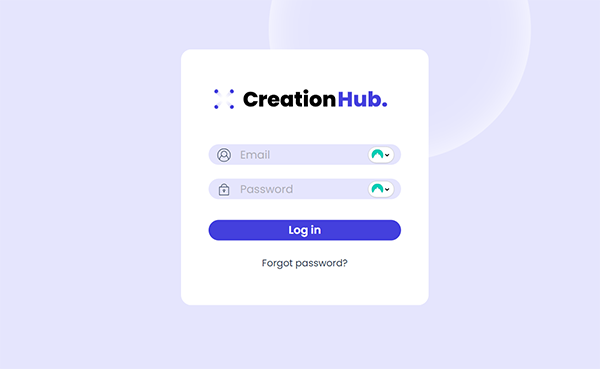
If you’ve forgotten your password, you can easily reset it by clicking “Forgot password?” on the login page.
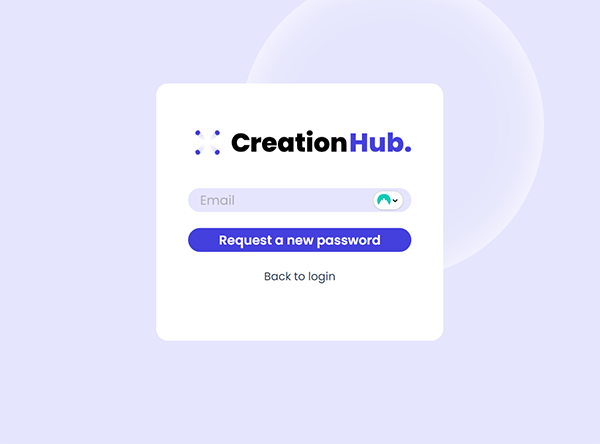
This will open a new screen where you can enter your email address. After filling in your email, click “Request a new password.”
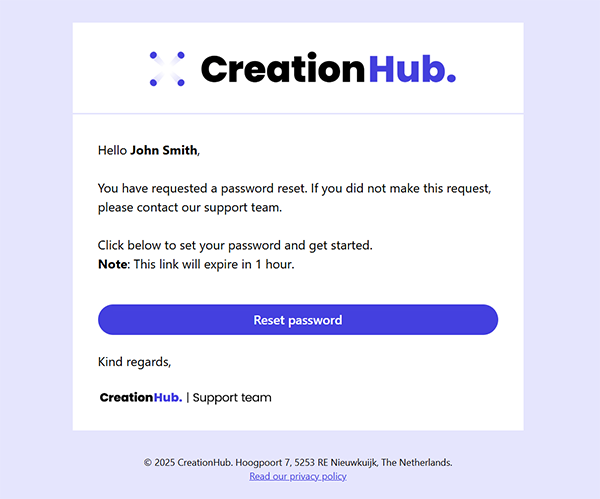
You’ll receive an email with a link to reset your password.
Click “Reset password” in the email to open a new page in your browser.
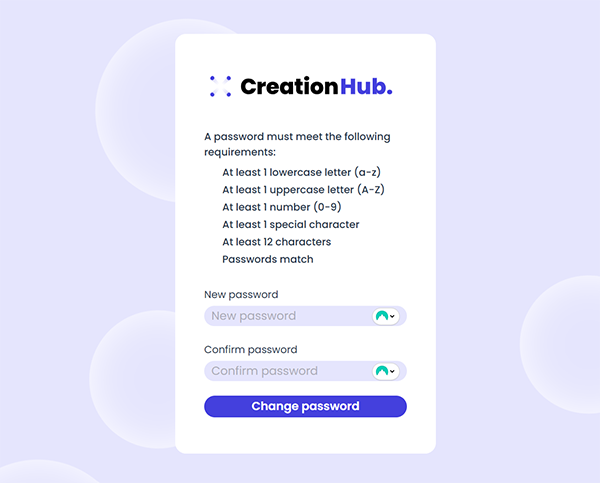
Enter your new password – making sure it meets the required criteria — and then click “Change password.”
Your password is now successfully updated.
Important:
-
The reset link is valid for 1 hour. If it expires, simply request a new one.
-
Didn’t receive the email? Be sure to check your spam or junk folder.