Download assets
To download an asset from the Assets overview:
-
Click on the asset you want to download.
-
A new page will open, displaying the selected asset.
-
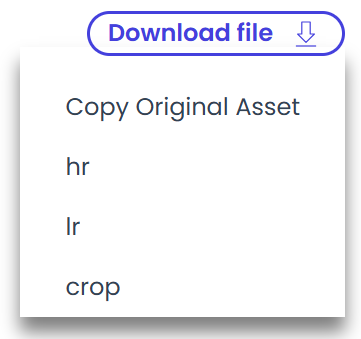
In the top-right corner, hover over the “Download file” button.
-
A list of available file types will appear.
-
Click the desired file type to start the download.
The download will begin automatically within seconds.