Delete assets
To delete an asset, go to Assets, where you’ll see an overview of all available files. Use the search bar to find the asset you want to remove.
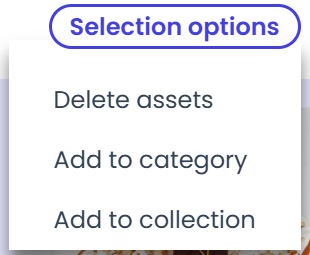
Once located, click the checkbox in the top-right corner of the asset. Then, move to the top-right corner of the page and hover over “Selection options.” From the dropdown, choose “Delete assets.”
Note: Once deleted, the asset is permanently removed and cannot be restored.