Delete asset from collection
To remove an asset from a collection:
- In the main menu, navigate to Assets → Collection.
- An overview will appear with all available collections.
- Open the collection from which you want to remove an asset.
- You’ll see an overview of all images in the collection.
- Click the checkbox in the top-right corner of the asset you want to remove.
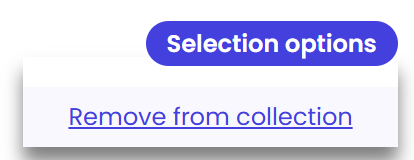
- Hover over the “Selected options” button at the top of the page.
- From the dropdown, click “Remove from collection”.
Click “Delete” to confirm. The asset will be removed from the collection.