Checking who has reviewed a revision
When a review is created, the users added to the review can begin reviewing. Once users are done, their progress will be visible in the overview.
To see who has completed reviewing:
-
Go to Reviews, where an overview of all reviews will appear.
-
Select the review you want to check.
-
The review will load. In the top-right corner, click the “Send feedback” button.
-
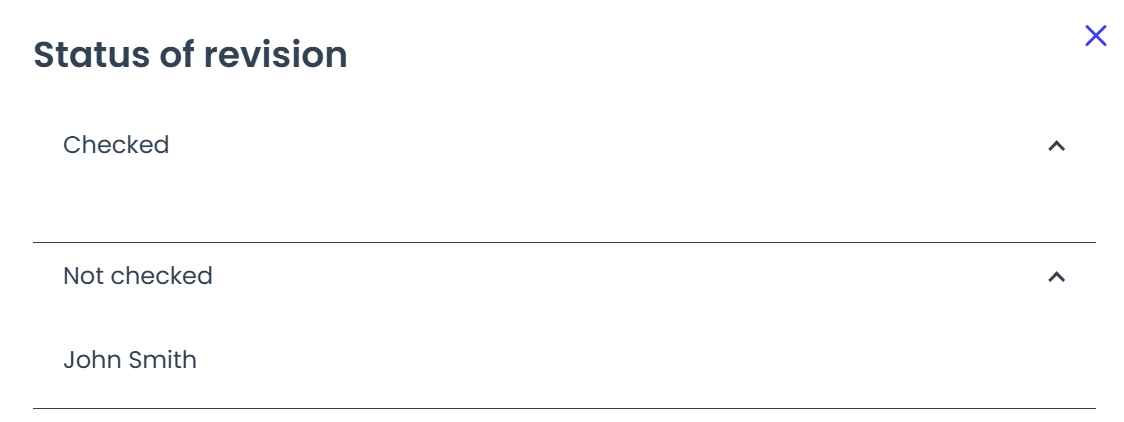
A sidebar will appear, showing an overview of the users who have reviewed the revision, and those who still need to complete their review.
Initially, all users will appear under the “Not checked” section. Once they submit their feedback, their name will move to the “Checked” section.