Background remover
Within the AI-tools module, you can remove background from images. To do this:
- Select the background remover tool in the overview.
- Add an image to the module.
- Click “Generate now”
- The image will start generating, which may take a few seconds.
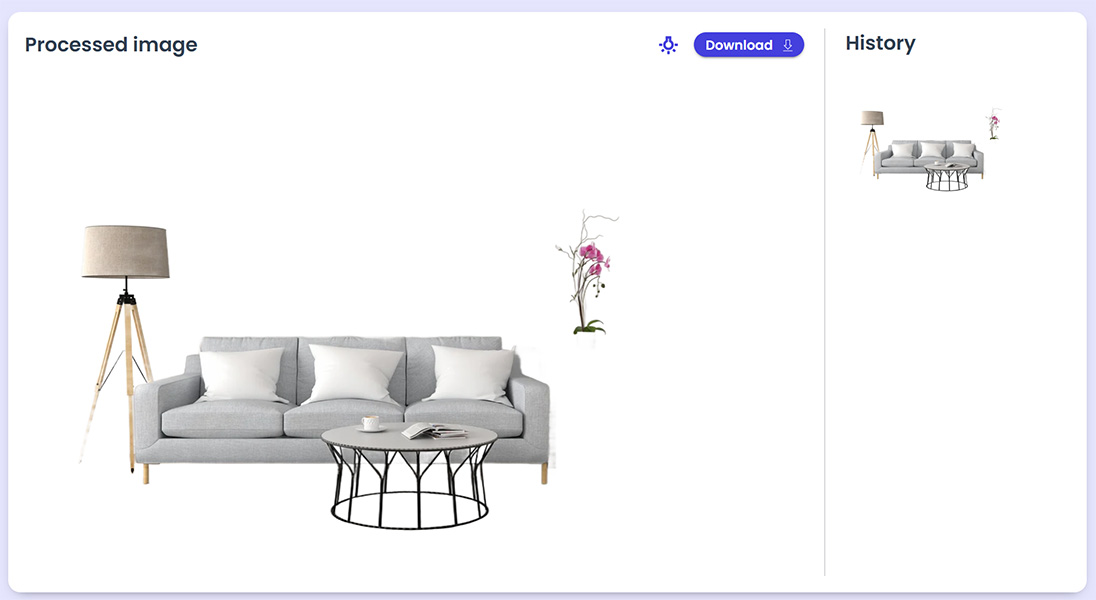
After the image is generated:
- It will appear in the processed image box.
- All generated images from the last hour will also appear in the History
- Clicking on an image in the History tab will display it in the processed image box.
- At the top-right of the processed image box, click the light icon to set a background color under the image and show the results.
- Once satisfied, click “Download” to save the image to your computer.