Background remover
Within the Background remover module, you can remove background from images. To do this:
- Choose the model you want to use for background removal.
- Add an image to the module.
- Click the “Generate now” The image will start generating, which may take a few seconds.
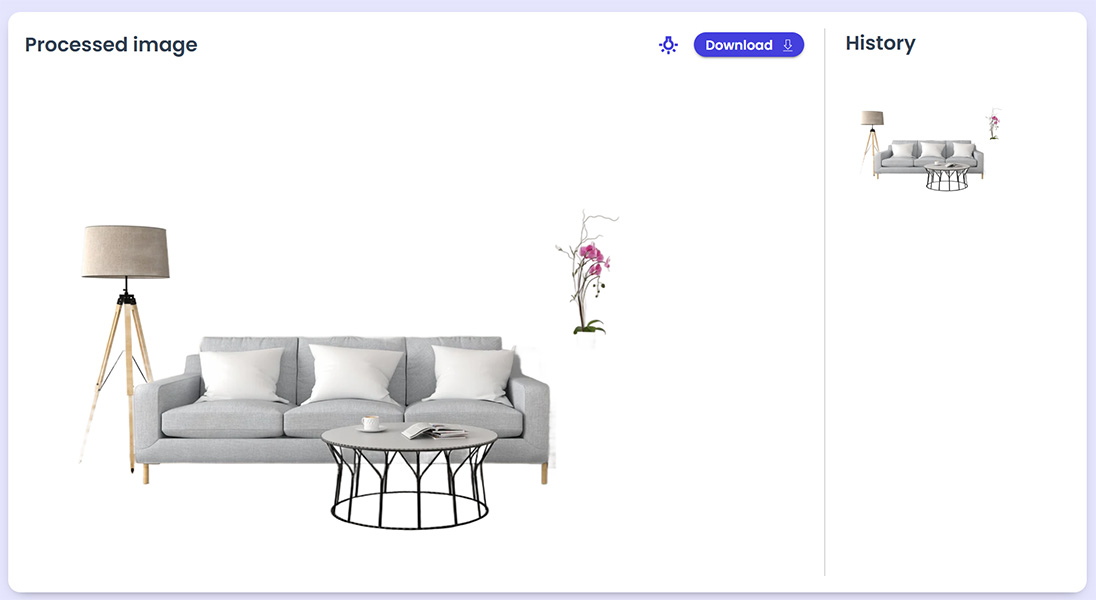
After the image is generated:
- It will appear in the processed image box.
- All generated images from the last hour will also appear in the History
- Clicking on an image in the History tab will display it in the processed image box.
- At the top-right of the processed image box, click the light icon to set a background color under the image and show the results.
- Once satisfied, click “Download” to save the image to your computer.