Adding a datasource
To upload a datasource:
-
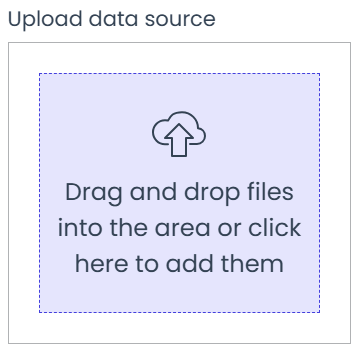
Drag the datasource file into the upload frame or click on the frame to select a file.
-
Once added, you’ll be given two options:
-
Append to Existing Datasource
This will add your new datasource file to the bottom of the current datasource. -
Replace Datasource
This will remove the current datasource and replace it with the new version you upload.
-