First time login
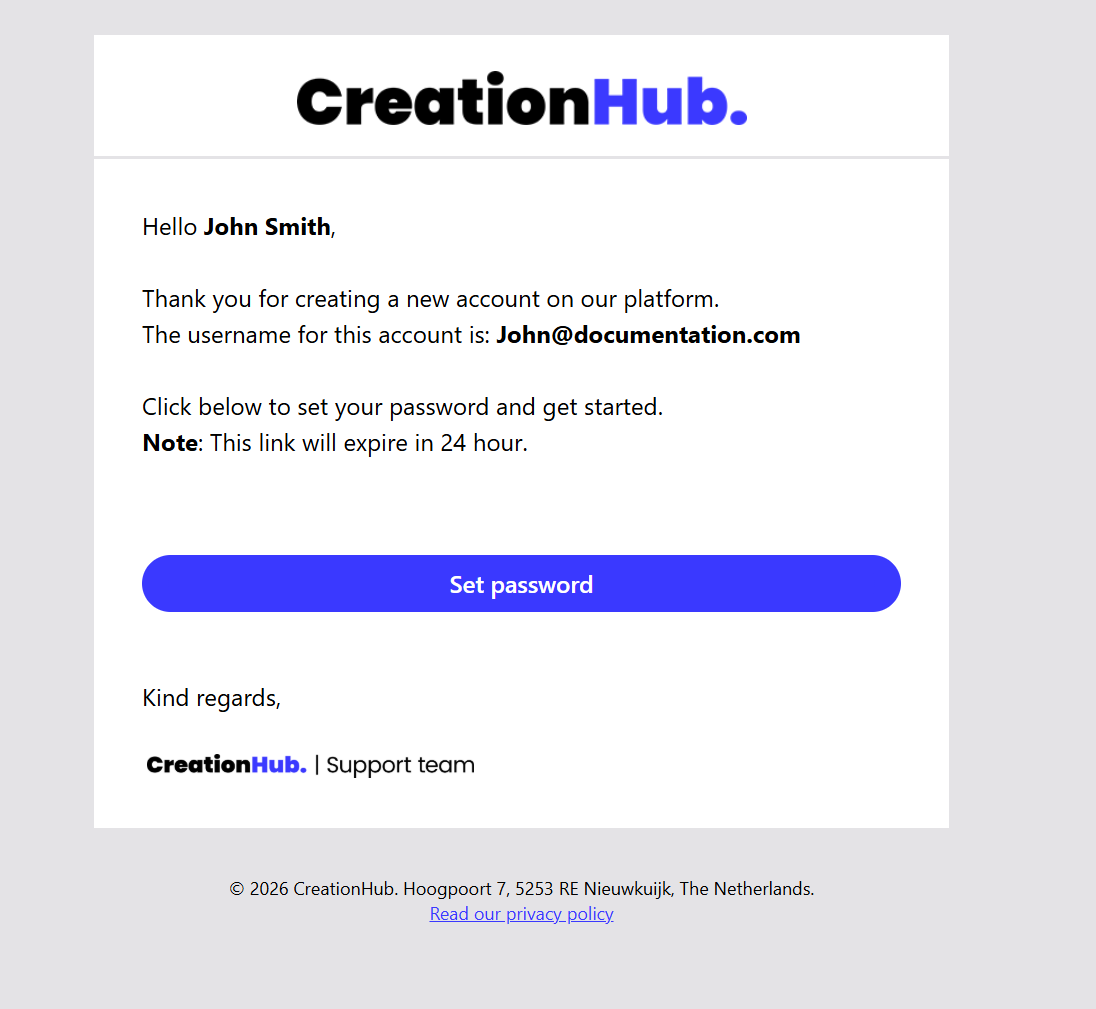
As a new user of CreationHub, you will receive an email inviting you to activate your account.
Click “Set password” in the email to create your personal password.
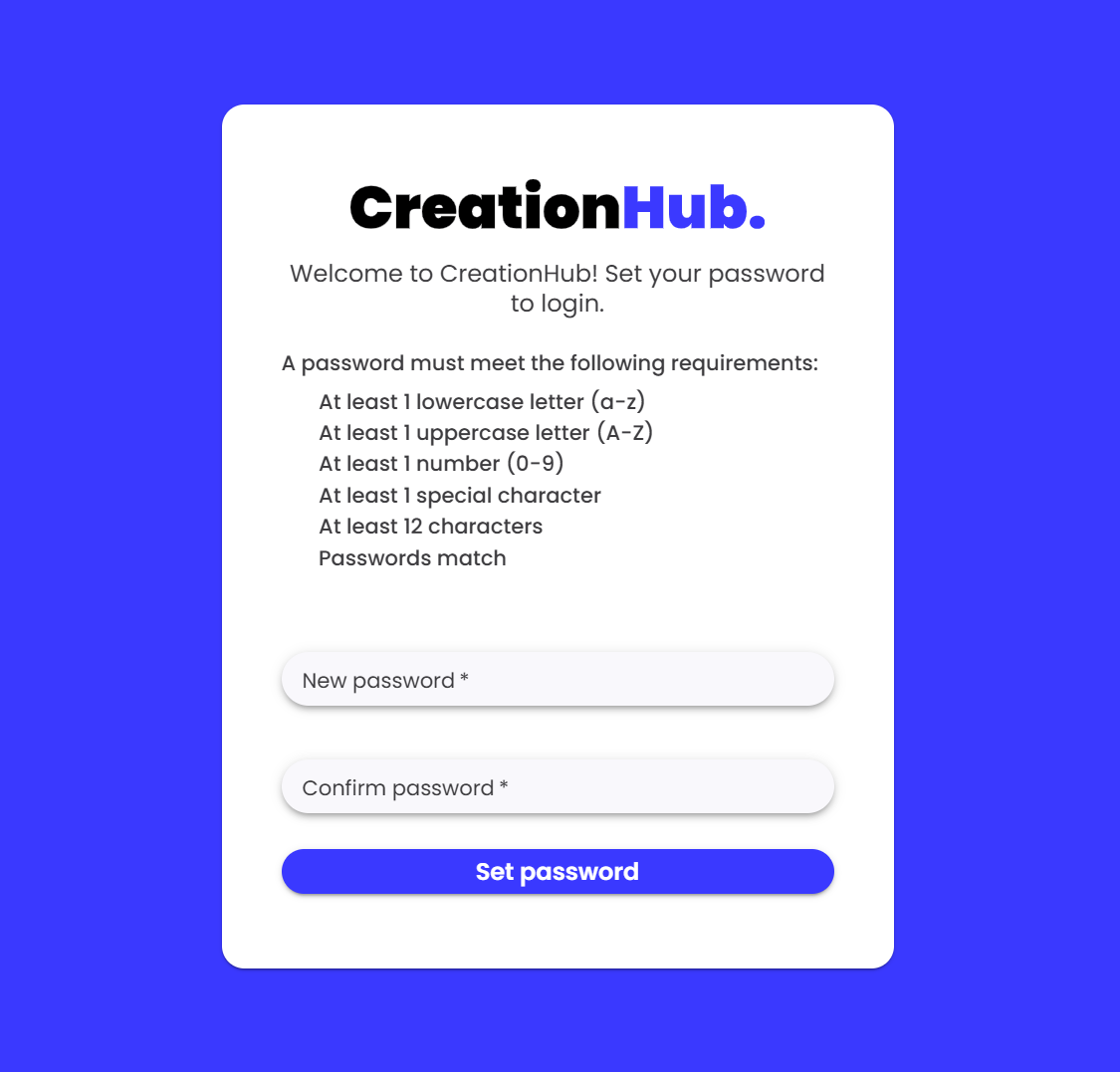
When setting your password, make sure it meets the required criteria.
Once all requirements are fulfilled, click “Set password” to activate your account.
Please note:
The invitation link is valid for 24 hours. If you click “Set password” after that time, you’ll see the message “This link has expired.”
If this happens, follow these steps:
-
Copy the URL of the expired link page.
-
Open a new browser window.
-
Paste the URL and remove everything after creationhub.eu.
-
Press Enter to go to the login page.
-
Click “Forgot password?” and follow the instructions to set a new password.