Regenerate recovery codes
If you have lost or used all the recovery codes provided during the initial two-factor authentication setup, you can generate a new set from your profile. To regenerate your recovery codes:
- Click your name in the bottom-left corner of the screen to open your profile.
- Click “Regenerate recovery codes”
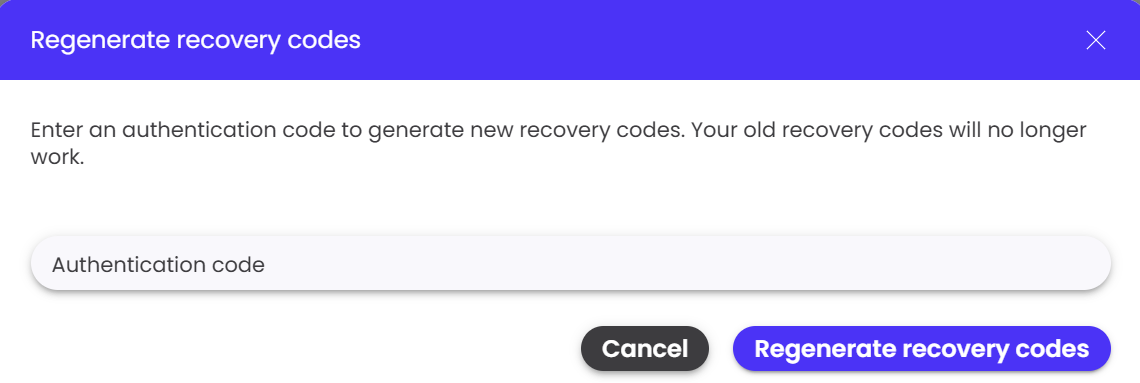
- A pop-up will appear asking you to enter an authentication code.
- Open your authenticator app and enter the 6-digit authentication code shown in the app.
- Click “Regenerate recovery codes” to generate a new set of recovery codes.
- Copy or download the new recovery codes and store them in a secure place.
- Confirm that you have saved the codes before continuing.
Please note:
Once you regenerate your recovery codes, your old recovery codes will no longer work. Make sure to save the new codes securely, as they can be used to log in if you lose access to your authenticator app.Although recovery codes can be regenerated when needed, it is recommended to keep your existing codes stored securely and only regenerate them when necessary.